★★★★★
Love Big Al’s Roan is always cheerful and friendly even early in the morning,. So happy t he way now have Pizza super delicious. Great Service with a smile ❤️
Mandy Cerney
Google review
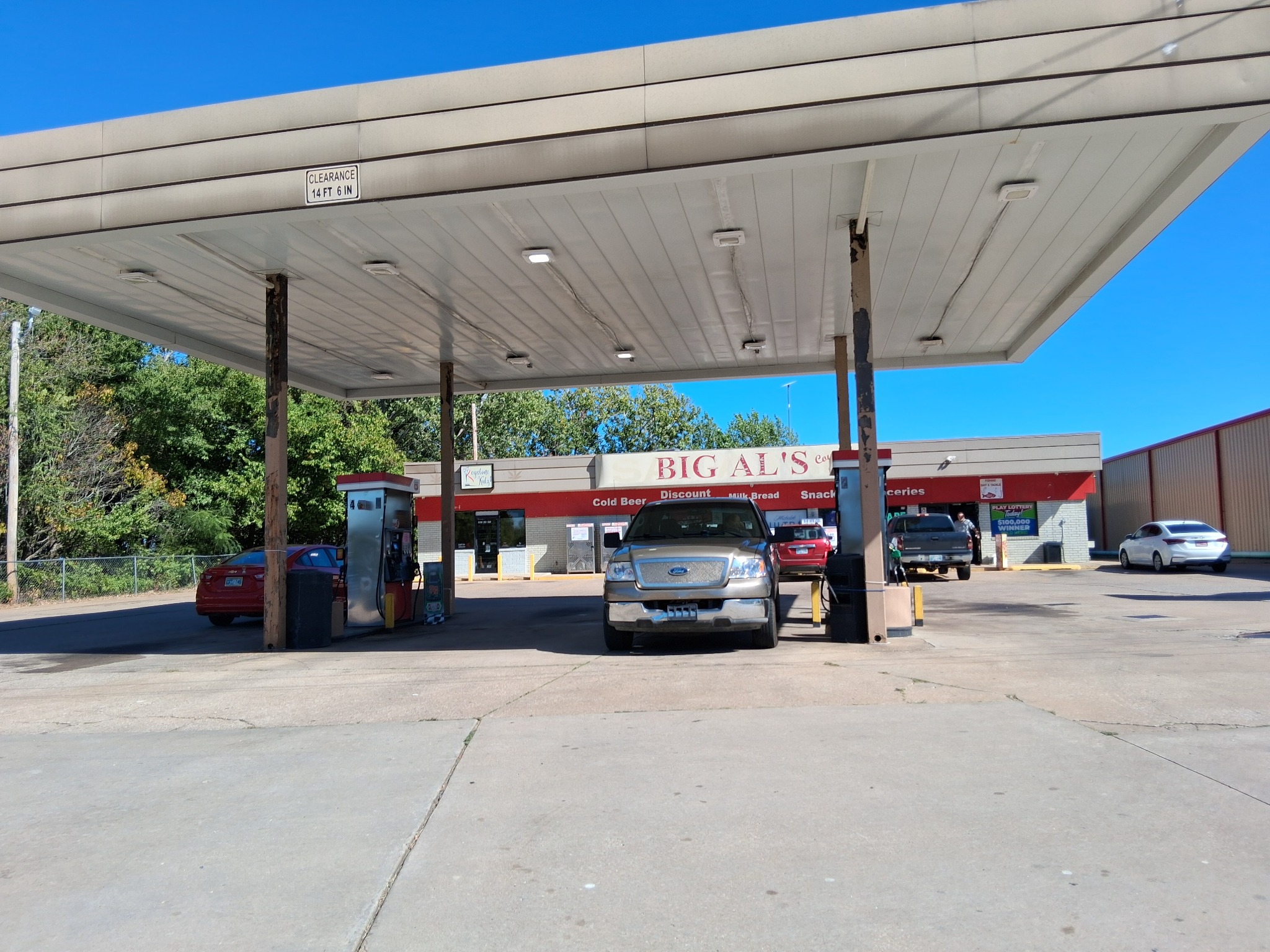
Meet Big Al’s, the gas station and convenience store on New Prue Road. Take a look around, find the way here, and plan your next stop.
Prices per gallon. Check the pump for the current price before fueling.
A fresh look at the storefront and pizza menu, supplied by Big Al’s. Tap a photo to take a closer look.
A selection of five-star Google reviews.
Love Big Al’s Roan is always cheerful and friendly even early in the morning,. So happy t he way now have Pizza super delicious. Great Service with a smile ❤️
A great gas station and store and very polite workers and a very good boss I will say if you are around it would be a must !!!
It's a great family owned gas station!! He usually has food in the mornings and at lunch! Bella approves it!!
Edit to add- Big Al's has Hunt Bros Pizza!! They take call in orders till 8PM!
Owner is a super nice guy he always converses and is always polite they have more than just the basic stuff its a small grocery store
Quick access to pizza ordering, deals, and pickup status.
iPhone/iPad: open in Safari, tap Share → Add to Home Screen → Add. Enable “Open as Web App” if shown.
Android: open in Chrome, tap ⋮ → Add to home screen or Install app.